
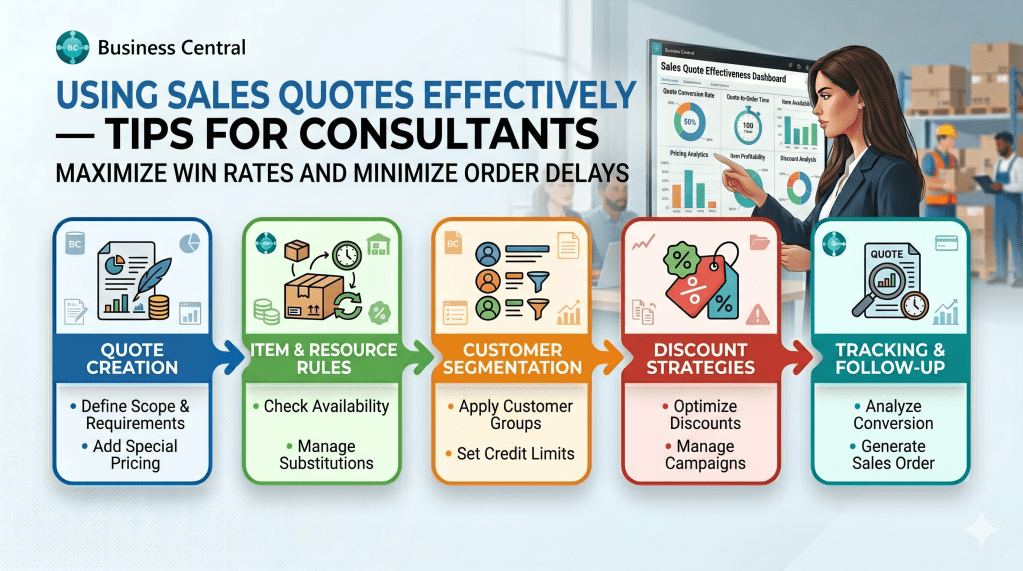
In the lifecycle of a typical Dynamics 365 Business Central implementation, the Sales Quote (Page 41) is often treated as a minor, transient document a simple stepping stone on the path to creating a true Sales Order.
However, an experienced Solution Architect or Functional Consultant understands that the Sales Quote is an essential tool for pipeline accuracy, client transparency, and pre-sales integrity. If you only use quotes to pass static numbers to a customer, you are missing an opportunity to streamline implementation scope, prevent data duplication, and establish clear operational boundaries early.
Let’s walk through the exact functional configurations and field strategies required to master Sales Quotes in the field.
Step 1: Architecting the Preliminary Document
The primary advantage of a Sales Quote over a Sales Order is database isolation. A Sales Quote allows you to estimate pricing, select target lines, and model complex inventory combinations without modifying your item availability metrics or reserving active warehouse stock.
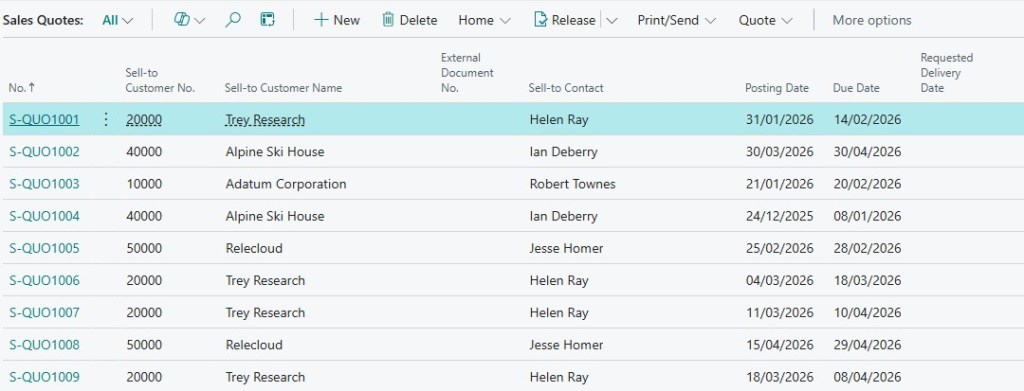
Open Sales Quotes from your Role Center or the global search menu and click New. When entering the prospect data, leverage the Contact No. field if the lead has not yet been formally promoted to a full Customer record.
Step 2: Utilizing Quote Validity and Archiving
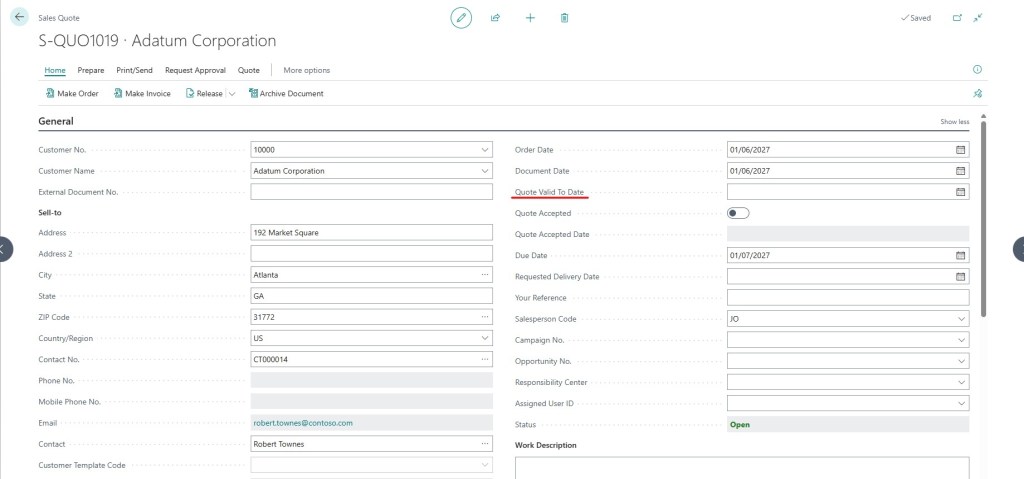
Margins fluctuate rapidly. Sending a quote without a strict expiry condition exposes an organization to severe margin compression if the client attempts to accept old pricing months later.
Always utilize the Valid Until Date field on the quote header. This enforces a clear systemic boundary, automatically alerting users if they try to convert an expired quote.
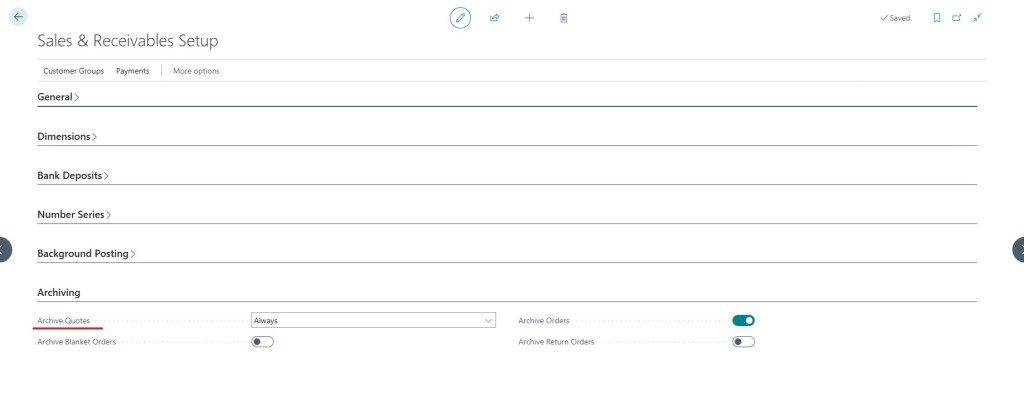
Furthermore, business negotiations involve revisions. Rather than overwriting your lines and losing historical context, configure your system parameters to enable Sales Archiving. Go to Sales & Receivables Setup and ensure Archive Quotes is set to Always. Every time a version changes, the old layout is safely stored in the archive ledger.
Step 3: Seamless Conversion to Sales Orders
Once the prospect approves the proposal, the manual entry work is completely done. You do not re-key the lines into a new document. Instead, navigate to the top ribbon action menu and select Make Order.
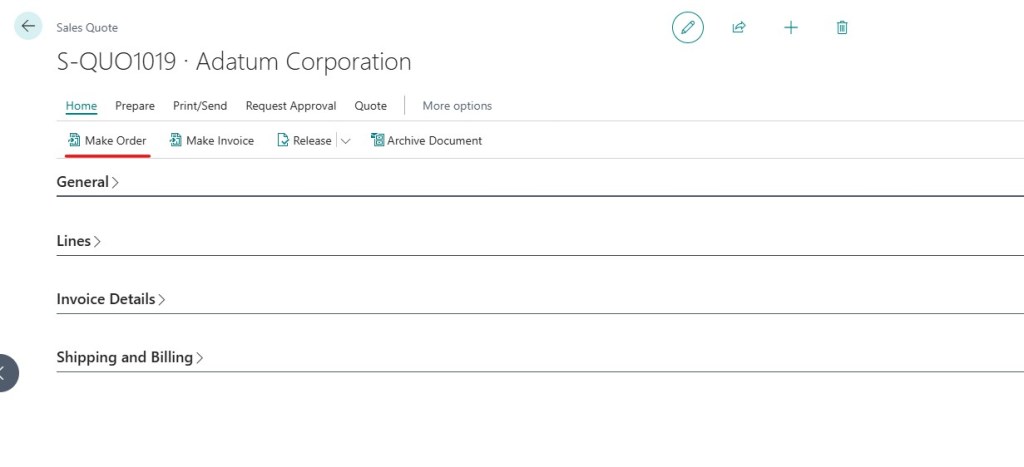
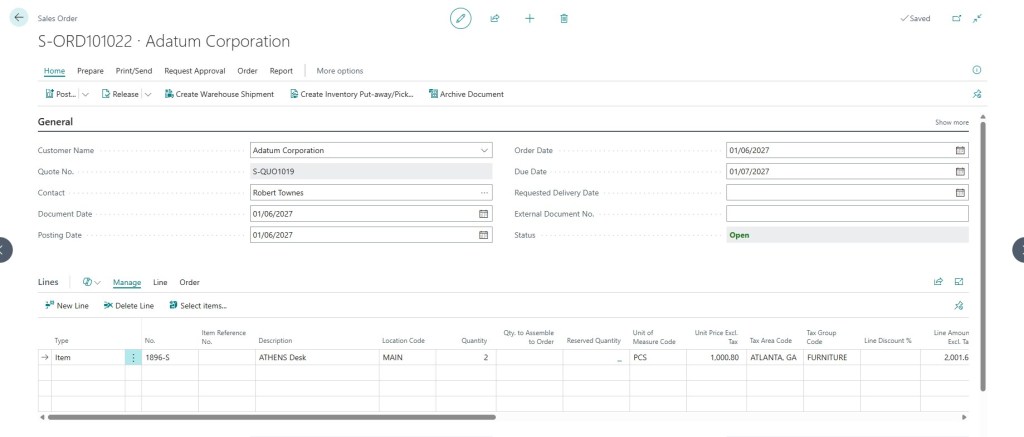
Business Central instantly processes the conversion:
- It creates a brand-new Sales Order carrying over all line items, pricing rules, and specific structural dimensions.
- It prompts you with a clean dialog box asking if you would like to view the newly generated order.
- It completely deletes or archives the source quote based on your archiving parameters, keeping your active transactional workspace pristine.
The Foundation for Agentic Automation
Mastering the Sales Quote structure is an essential consulting skill, but it also represents a fundamental asset for Agentic ERP.
When building or deploying AI Agents to manage customer interactions, incoming RFQs (Requests for Quotes) can be handed over to machine intelligence. An AI agent can read an unstructured email inquiry from a prospect, scan item descriptions, calculate margins using active Price Lists, and independently generate an accurate Sales Quote in Business Central with a strict validity window.
The agent can then email the quote directly back to the customer managing the entire front-end pre-sales funnel autonomously while maintaining absolute architectural integrity.

